

Related Videos
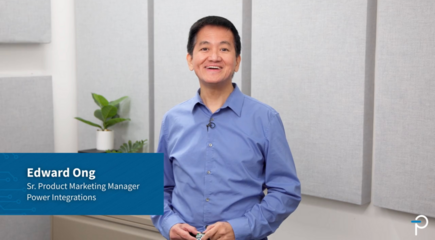
Unboxing: 15 W Low-Profile Reference Design for 800V AI Data Centers
See how Power Integrations' low profile reference design, DER-1114, enables efficient auxiliary power conversion in 800 VDC AI data centers.
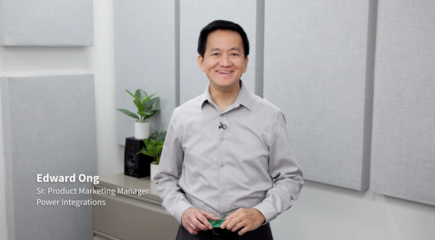
Unboxing: 35 W Multi-output Auxiliary power supply for 800 VDC AI Data Centers (DER-1110)
Discover the DER-1110 reference design, a 35 W multi-output auxiliary power supply optimized for 800 VDC AI data centers. Built around the highly efficient InnoMux™-2 EP flyback switcher IC with...
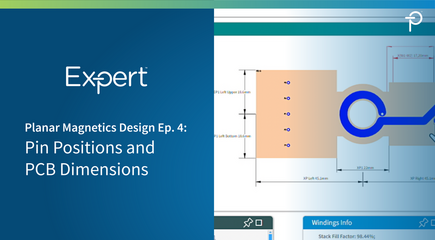
PI Expert Planar Magnetics Design Step-by-Step Ep. 4: Optimizing PCB Dimensions and Pin Placement
This overview covers the final step in the planar transformer design process using PI Expert's Magnetics Designer tool. After defining the stack-up and winding parameters, users can optimize the transformer’s...
PI Expert Planar Magnetics Design Step-by-Step Ep. 5: Exporting Planar Transformer Gerber Files
This overview explains how to export completed planar transformer designs from PI Expert's Magnetics Designer tool for PCB fabrication. Users can generate Gerber files as either a single set, where each PCB enclosure is exported as a separate design, or as a panel of PCBs, where all enclosures are arranged within a single manufacturing panel. The panel export option also allows users to define panel dimensions, enclosure spacing, and keepout areas.
The tutorial also covers layer labeling conventions during export. Users can choose between PI Expert’s internal convention, where L1 is the bottom layer, or the standard manufacturing convention, where L1 is the top layer. For fabrication, the recommended option is Export with Inverted Layers to align with common PCB manufacturing practices and reduce potential confusion during production.
PI Expert Planar Magnetics Design Walkthrough
- Ep 5 - Exporting Gerber Files
