

Related Videos
Unboxing: 15 W Low-Profile Reference Design for 800V AI Data Centers
See how Power Integrations' low profile reference design, DER-1114, enables efficient auxiliary power conversion in 800 VDC AI data centers.
Unboxing: 35 W Multi-output Auxiliary power supply for 800 VDC AI Data Centers (DER-1110)
Discover the DER-1110 reference design, a 35 W multi-output auxiliary power supply optimized for 800 VDC AI data centers. Built around the highly efficient InnoMux™-2 EP flyback switcher IC with...
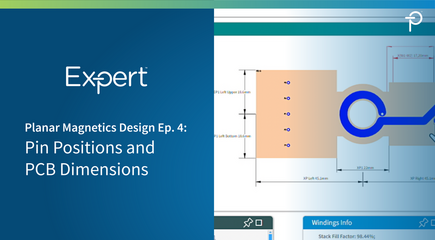
PI Expert Planar Magnetics Design Step-by-Step Ep. 4: Optimizing PCB Dimensions and Pin Placement
This overview covers the final step in the planar transformer design process using PI Expert's Magnetics Designer tool. After defining the stack-up and winding parameters, users can optimize the transformer’s...
PI Expert Magnetics Designer Ep. 4: Windings Info and Electrical Diagram
This overview explains the Windings Info and Electrical Diagram windows within PI Expert’s Magnetics Designer tab for planar transformers. The Windings Info window provides detailed data for each winding, including the number of turns, occupied layers, worst-case RMS currents, DC resistances, and estimated winding losses. It also displays the transformer’s core fit factor along with estimates of total transformer loss and its loss breakdown.
The Electrical Diagram window presents the winding structure, turn counts, electrical connections, and pin assignments in a schematic format. Both windows are linked to the Constructional Diagram window, automatically highlighting the corresponding winding group whenever a winding layer is selected. Together, these views help users analyze transformer winding configuration, electrical connectivity, and performance characteristics during the design process.
PI Expert Magnetics Designer
- Ep 4 - Windings Info and Electrical Diagram
