

Related Videos

Unboxing: 15 W Low-Profile Reference Design for 800V AI Data Centers
See how Power Integrations' low profile reference design, DER-1114, enables efficient auxiliary power conversion in 800 VDC AI data centers.

Unboxing: 35 W Multi-output Auxiliary power supply for 800 VDC AI Data Centers (DER-1110)
Discover the DER-1110 reference design, a 35 W multi-output auxiliary power supply optimized for 800 VDC AI data centers. Built around the highly efficient InnoMux™-2 EP flyback switcher IC with...
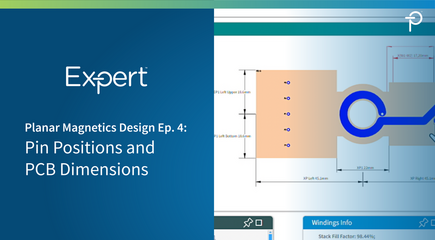
PI Expert Planar Magnetics Design Step-by-Step Ep. 4: Optimizing PCB Dimensions and Pin Placement
This overview covers the final step in the planar transformer design process using PI Expert's Magnetics Designer tool. After defining the stack-up and winding parameters, users can optimize the transformer’s...
PI Expert Magnetics Designer Ep. 3: Spiral Diagram
This overview introduces the Spiral Diagram window within PI Expert's measurements, including the distances between the core, pMagnetics Designer tab for planar transformers. The window provides a top-down view of the selected winding layer, displaying the winding spiral, pin and via connections, PCB construction, and key dimensional measurements. It explains important PCB parameters such as XP1, EP1, and XP, which define the winding area, pin area, and core insertion space.
The presentation also covers creepage and clearance guidance primary windings, and secondary pin pads. Additionally, it demonstrates how users can modify pin properties, add primary or secondary pins, and remove unused pins through the Spiral Diagram interface. This serves as an introduction to the tool’s features and capabilities for designing planar transformers in PI Expert.
