

相关视频
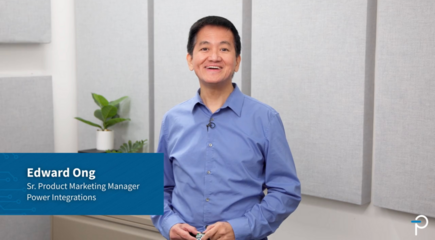
Unboxing: 15 W Low-Profile Reference Design for 800V AI Data Centers
See how Power Integrations' low profile reference design, DER-1114, enables efficient auxiliary power conversion in 800 VDC AI data centers.

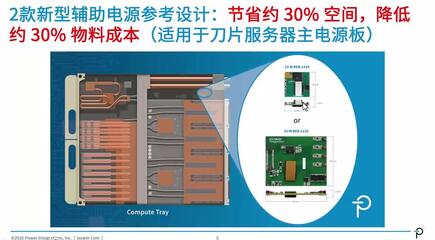
PI Expert Magnetics Designer Ep. 2: Constructional Diagram
Within PI Expert’s Planar Magnetics Designer, the Constructional Diagram window provides a cross-sectional view of a planar transformer, displaying the core structure, PCB stack-up, insulation materials, copper layers, and winding turns. Multiple viewing modes—including Designer, Dimensions, Actual Size, and Foundry views—allow users to examine winding connections, physical dimensions, manufacturing details, and overall transformer construction from different perspectives.
The Constructional Diagram is also an interactive design tool that enables users to select and inspect winding layers, move windings between available layers, add or remove PCB enclosures, and insert shield or screen windings. With convenient editing options and the ability to reset designs to their default configuration, the window serves as a central workspace for customizing and optimizing planar transformer designs in PI Expert.
